Earn Money Selling Website Templates — Build Once, Sell Again and Again
The free No Stock Shop course shows you how to design, package, price and sell website templates online — no clients, no stock to hold, no deadlines. Start with one template and grow it into a repeatable digital-product income.

Upload asassets/media/earn-money-selling-website-templates.jpg900 × 1000 px
Inside the free course
- Pick a niche and platform
- Build and package your first template
- Price, list and make your first sale
How Earning Money Selling Website Templates Actually Works
A website template is a pre-built site — layout, structure and styling already in place — that a buyer customises with their own words, images and brand. You do the hard design work once. Every sale after that costs you almost nothing to fulfil.
Download the Free eBookThink of it as the difference between trading time for money and building an asset. A freelance project pays once, and then you start again. A template can be sold on day one, day thirty and day three hundred — the same files, delivered automatically, to a new buyer every time.
Buyers are not looking for perfection. They are small-business owners, freelancers, agencies and creators who want a professional site fast and for less than a custom build costs. Marketplace templates typically sell for around $40–$60 each, and independent creators selling niche, single-file or platform-specific templates price anywhere from low-cost impulse buys to premium bundles.
A ready-made structure
Templates on a CMS such as WordPress, Squarespace or Shopify arrive with layout and sections done. Buyers add copy, colours and images.
Time is the product
Designers estimate a good template covers around 80% of a client's needs. You are selling the days of work your buyer gets to skip.
Trust beats novelty
Established, well-supported templates win. Buyers choose creators with clear documentation, updates and responsive support.
Slow to start, strong to scale
Money from templates compounds slowly. Expect income to build with each release rather than arrive in one big launch.
Three myths holding people back
Reality: using one well still takes skill — the CMS, the theme, the plugins. Buyers pay for the expertise that saves them time, not for the install itself.
Reality: not when you are open about it. Transparency builds trust, and customers appreciate a faster, cheaper route to a professional site.
Reality: they are a starting point. Colours, fonts, imagery and conversion tuning still matter — which is exactly the gap a skilled creator fills.
Three quality templates beat ten rushed ones. Build for one clear job, one clear audience, and do it completely.The whole strategy this course teaches
Want the full playbook for turning your first template into income?
Download the Free eBookYour First Template Business in Six Practical Steps
You do not need a design degree or years of experience. You need a platform, a niche, one focused build and a simple way to deliver it.
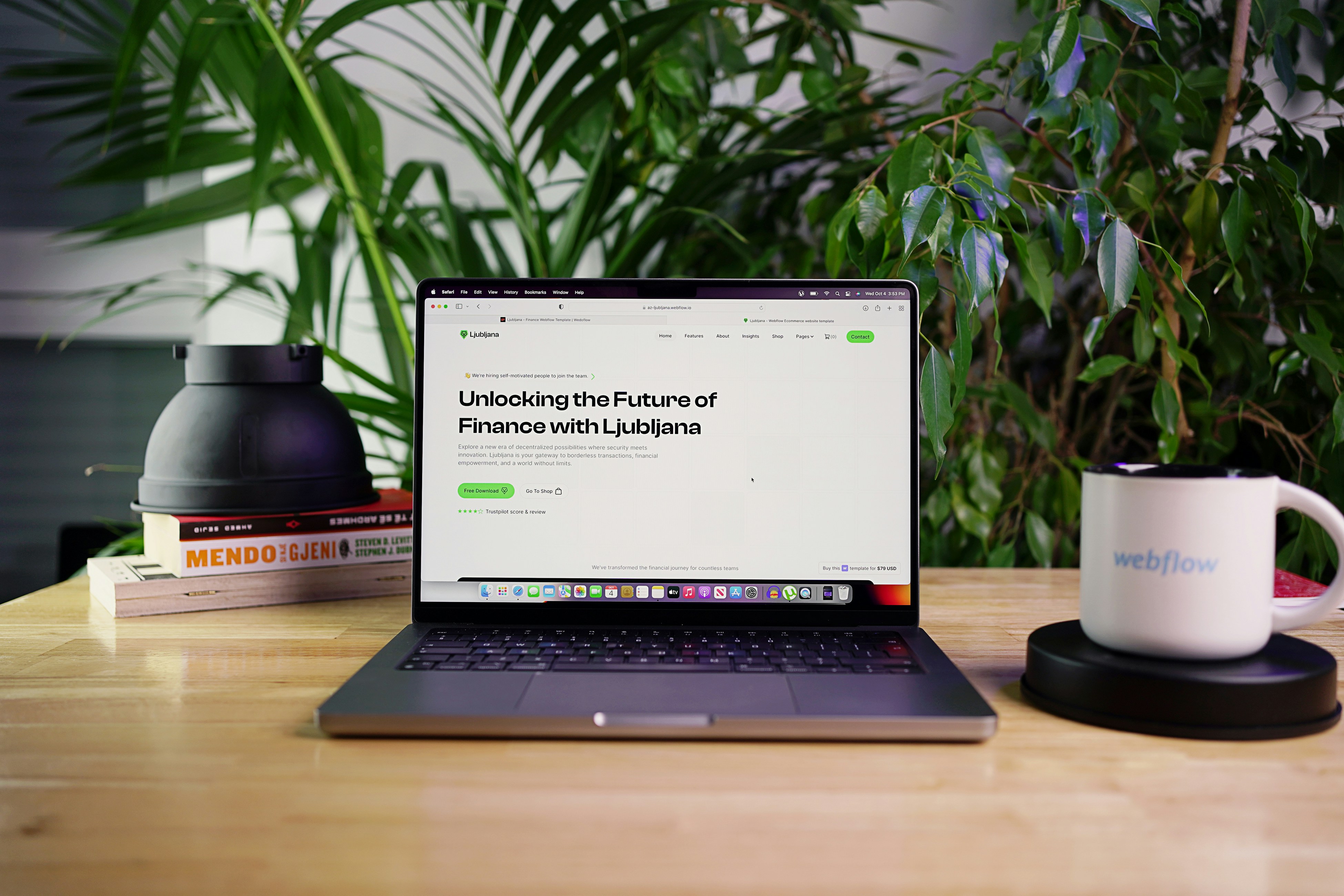
Upload asassets/media/start-website-template-business.jpg900 × 700 px
Pick your platform
Choose where you will build. Squarespace is the easiest to learn; Shopify suits e-commerce but needs more technical knowledge; WordPress, Webflow and Framer offer wide audiences. Plain single-file HTML/CSS/JS is also a strong option because buyers just edit the text and deploy.
Choose a specialty
Base it on what you are good at, what you want to be known for and which communities you understand — for example templates built for therapists, photographers, SaaS founders, or specific occasions like birthdays and festivals.
Design with a fictional brand
Use a made-up brand and realistic placeholder copy so the demo feels finished. Use royalty-free images from sources such as Unsplash and Pexels, and stick to fonts the platform already includes.
Build 3–6 standout features
Testimonial sliders, flexible galleries, blog or services layouts: pick a few features that adapt to many brands. Make it mobile-first and test it on at least three real phones. Custom code is optional, though it can justify a higher price.
Create a sales page and automate delivery
Show key features and how the design adapts to different brand styles. Deliver instantly as a download, or within 24–72 hours for platforms that need a manual share. Add an automated post-purchase email so buyers know exactly what to do next.
Set your support and licence terms
Decide your support window (90 days is common), say what is and is not included, publish simple tutorials, and state your licence clearly. Good support turns first-time buyers into reviewers and repeat customers.
A simple pricing ladder to start with
Price by the value the buyer saves, not by the hours you spent. Examples are drawn from published creator pricing and are illustrations, not guarantees.
Single template
A low-friction impulse buy (one independent creator lists a single template around ₹499) that earns your first reviews.
Curated bundle
Removes the need to choose and lifts average order value (one example bundle of nine templates is listed around ₹3,999).
Services on top
Install or restyle a template for a client's brand — some creators charge $1,500+ for a remix.
Skip the guesswork — the free eBook includes a launch checklist, pricing guide and delivery setup.
Get My Free CopyTop 10 Ways to Earn Money Selling Website Templates
There is no single route. Most successful creators combine several. Here are ten proven ways to turn one template into a growing income.
Sell from your own store
Keep the full margin and, just as importantly, your customer email list. No marketplace fees and no rules but your own. The trade-off: you bring the traffic.
List on marketplaces
Gumroad, Etsy, ThemeForest and Creative Market bring built-in traffic. In return they take a commission (often 30–70% depending on exclusivity) and set the rules, and larger ones have review queues.
Use both channels together
Let a marketplace find the buyers, then move repeat customers to your own store. You get discovery and margin without depending on one platform.
Niche single-file HTML templates
One self-contained page for one job — a landing page, portfolio or SaaS layout. Buyers only edit text and deploy, with no framework setup, so they convert easily.
Occasion and seasonal templates
Birthdays, anniversaries and festivals sell on a predictable calendar. Upload 3–4 weeks before the occasion to catch demand. Year-round themes are the steadiest sellers.
Revenue-share creator programmes
Some platforms host and sell your template for a share of each sale — in one published example, creators keep 60%. You upload one page; they handle payments, delivery and customers.
Platform-specific templates
Squarespace, Shopify, Webflow, Framer and WordPress each have hungry audiences. Squarespace templates are typically delivered within 24–72 hours, Shopify themes as a downloadable zip.
Bundles and collections
Group related templates into a curated bundle. Buyers avoid choosing, and your average order value rises. Offer a low entry price plus a bundle so buyers self-select.
Installation and restyle services
Offer to install your demo on a client's existing site, or restyle it to their branding. Productise it as a "one-week website" or design intensive for a premium fee.
Add-ons: guides, courses and support
Pair templates with an eBook, video walkthroughs, licence tiers, paid updates or extended support. These add-ons raise the value of every sale.
Not sure which of the ten fits you? The free eBook helps you choose and plan your first 90 days.
Send Me the eBookEverything You Need to Build and Sell Your First Template
A hands-on, front-end-focused path from first layout to first sale. Each module builds directly on the one before.
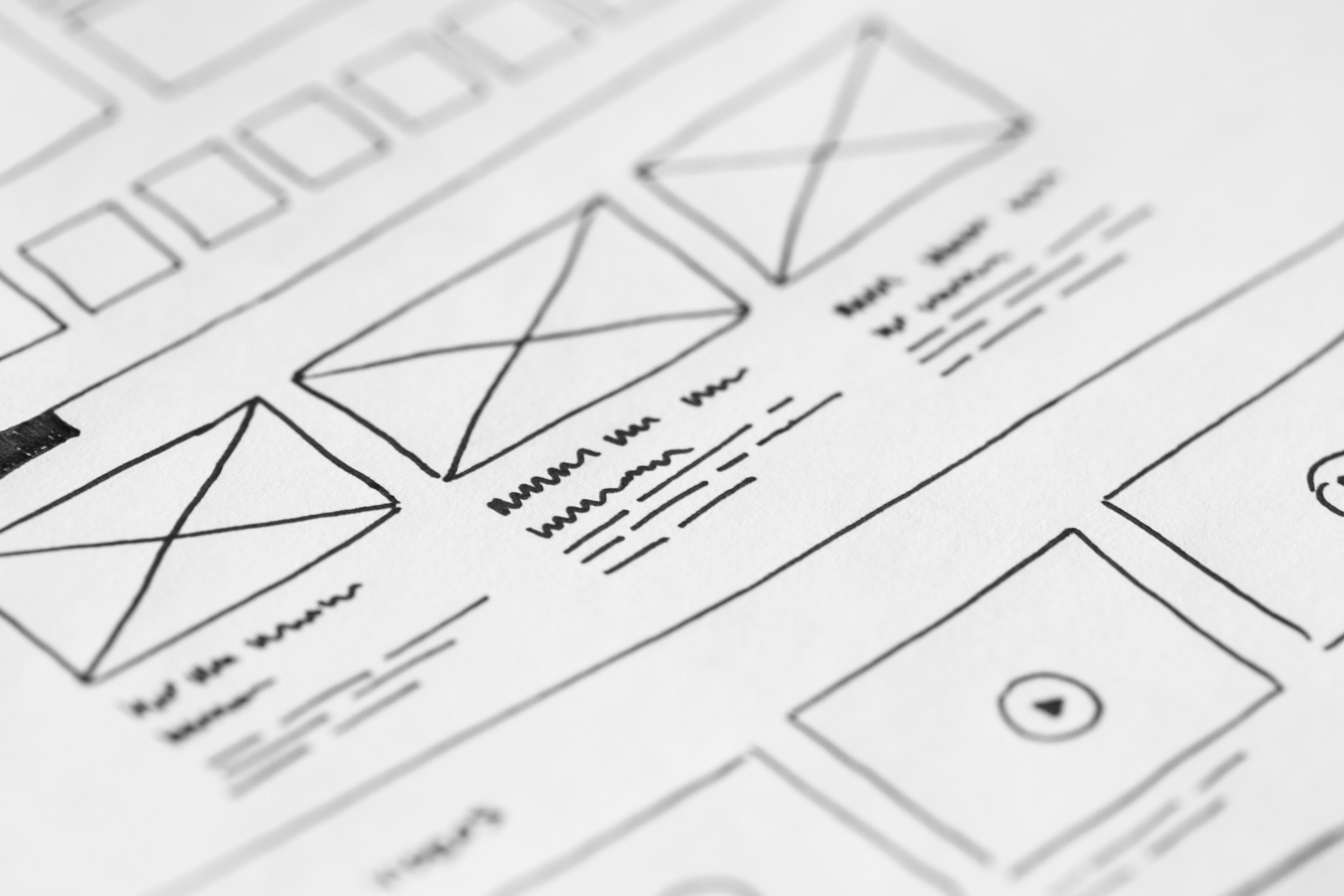
Upload asassets/media/website-template-course-lessons.jpg900 × 900 px
Front-end essentials
Build clean, responsive layouts with HTML, CSS and a little JavaScript that buyers can edit without breaking.
Mobile-first design
Design pages that look right on every screen, and test them on real devices before you ship.
Re-brandable design systems
Structure colours, fonts and spacing so a buyer can change their whole look in minutes.
Documentation & packaging
Organise files, write clear setup notes and package your template the way marketplace reviewers expect.
Marketplaces and your own store
Understand how listings, review queues, commissions and licences differ across ThemeForest-style marketplaces and independent storefronts.
Pricing & bundles
Price by buyer value, build bundles and write product pages that convert browsers into buyers.
First customers
Use portfolio pages, social content, seasonal timing and reviews to bring in steady early sales.
Support, updates and growth
Run a lightweight support process, ship versioned updates and plan your next three releases.
- Free course
- Free eBook
- Learn at your own pace
- Beginner friendly
What You Need Before You Start
The bar is low. If you can use a computer and are curious about design, you are ready.
Equipment
- A computer (Windows, Mac or Linux) with an internet connection
- A modern browser such as Chrome, Edge, Firefox or Safari
- A free code editor such as Visual Studio Code
Knowledge
- Basic computer skills — files, folders, downloads
- Basic HTML/CSS is helpful, but beginners are welcome
- An eye for design and the patience to polish details
Commitment
- A few hours a week to follow the lessons
- Willingness to build and finish one complete template
- Patience — template income builds over time
What you do not need
- A design degree or coding qualification
- Paid software or expensive tools
- An existing client list or audience
- Any stock or inventory to hold
Ticked the boxes? Grab your free eBook and start your first template this week.
Claim My Free eBookGet Your Free eBook and Start Selling Templates
Enter your details and we will send you the guide. It is free, and you can unsubscribe at any time.
- The 10 income routes explained, with how to pick your first
- A step-by-step first-90-days plan
- Pricing ladder, bundle and licence guidance
- A launch and delivery checklist
Send me the free eBook
Takes less than a minute. No payment details needed.
Something went wrong
Please try again.